n8n and Git: How to Version Workflows and Manage Development, Test and Production Environments
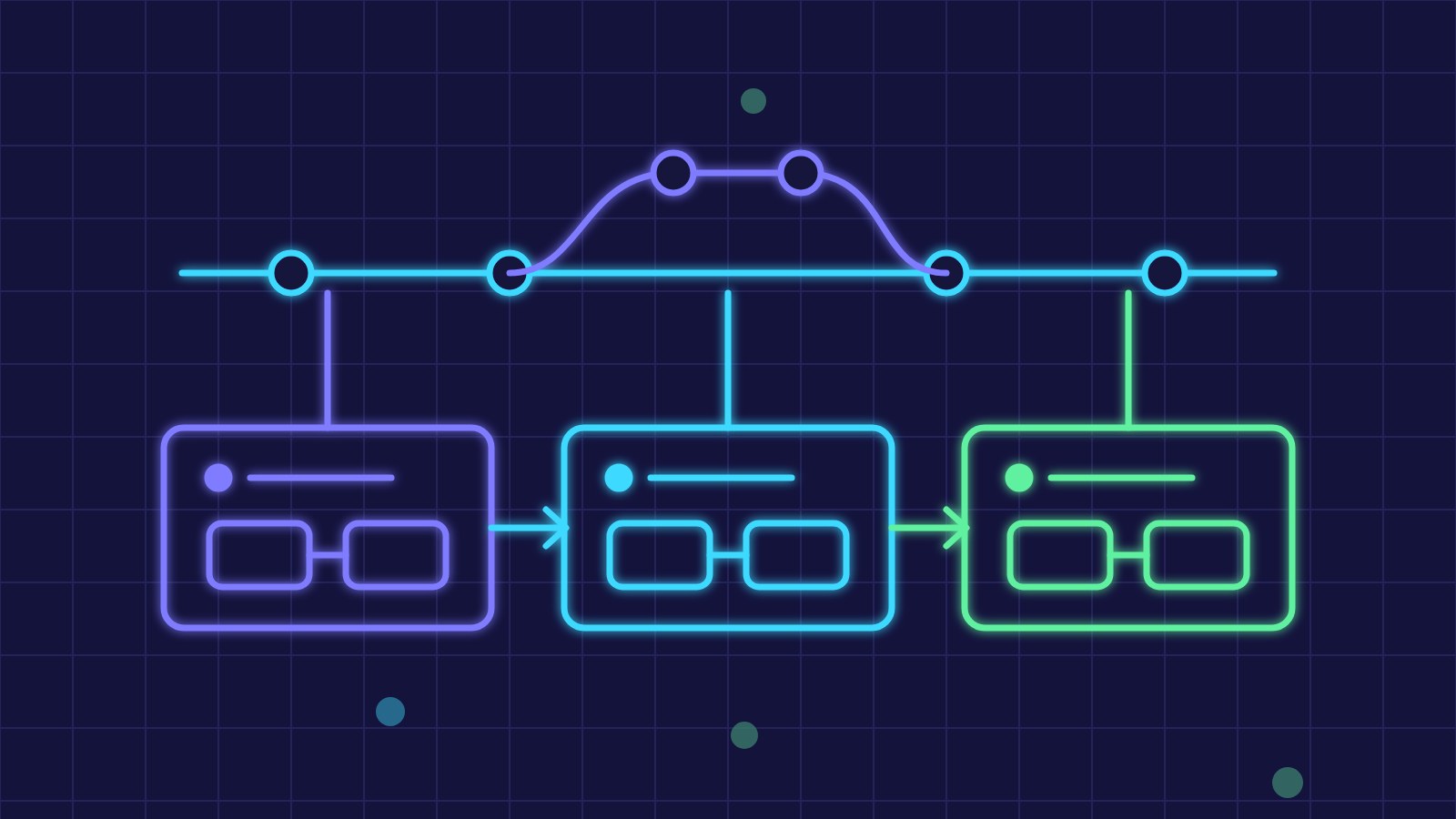
When n8n workflows handle orders, invoices or customer communications, editing them directly in production becomes a risk. Versioning them with Git and separating development, test and production environments lets you know who changed what, try changes before release and roll back in minutes.
Why Version Workflows
- A history of changes with author, date and reason.
- The ability to restore an earlier version after a mistake.
- Review of changes by a second person before release.
- A backup of workflows outside the n8n database.
- Certainty that what was tested is what goes to production.
Three Ways to Get Workflows into Git
An n8n workflow is described by a JSON file, so it can be stored in a repository like any other file. There are three main routes: the built-in source control feature, available on n8n's business plans, which links an instance to a Git branch; command-line export on self-hosted installations; and the n8n public API, which can also be called from a scheduled workflow that saves the definitions to the repository every night.
n8n export:workflow --all --separate --output=./workflows
n8n import:workflow --separate --input=./workflows
The separate option creates one file per workflow, so the differences between versions stay readable. The internal version history in the editor is handy for small restores but does not replace a shared repository.
Separate Environments
The most common setup has a development instance, where workflows are built and edited, and a production instance, where changes arrive only from the repository. Companies with critical processes add a test environment with realistic but not real data. Each instance is linked to a branch: you work on the development branch and move verified work to the production branch through an approved merge request.
Credentials and Variables
Credentials must not end up in the repository. Exported files contain only the reference to the credential, while keys and passwords stay encrypted in each instance and have to be created separately for each environment. Addresses, folder identifiers and other values that differ between development and production are handled with environment variables or n8n variables rather than written into nodes.
A Release Procedure
- Edit the workflow in the development environment with test data.
- Save the change to the repository with a message explaining the reason.
- Have a colleague review the differences through a merge request.
- Import the approved version into production, outside peak hours.
- Check the first executions and keep the previous version ready for rollback.
Limits and Things to Watch
Workflow JSON files contain node positions and identifiers, so differences can be noisy and merge conflicts hard to resolve by hand: it is best for one person at a time to work on a workflow. Webhook addresses and activation status should be checked after every import. Test data pinned in nodes can contain personal information and should be removed before saving.
Where an SME Should Start
You do not need the full structure from day one. A useful first step is an automatic nightly save of all workflows to a private repository: it gives you history and a backup straight away. The second is separating development and production for the most sensitive processes. Mandatory review and a test environment come later, as the number of workflows and people involved grows.
Key takeaway: treating n8n workflows as code, with Git, separate environments and credentials kept out of the repository, reduces production errors and makes every change traceable and reversible.