n8n Sub-Workflows: How to Make Workflows Modular, Reusable and Maintainable
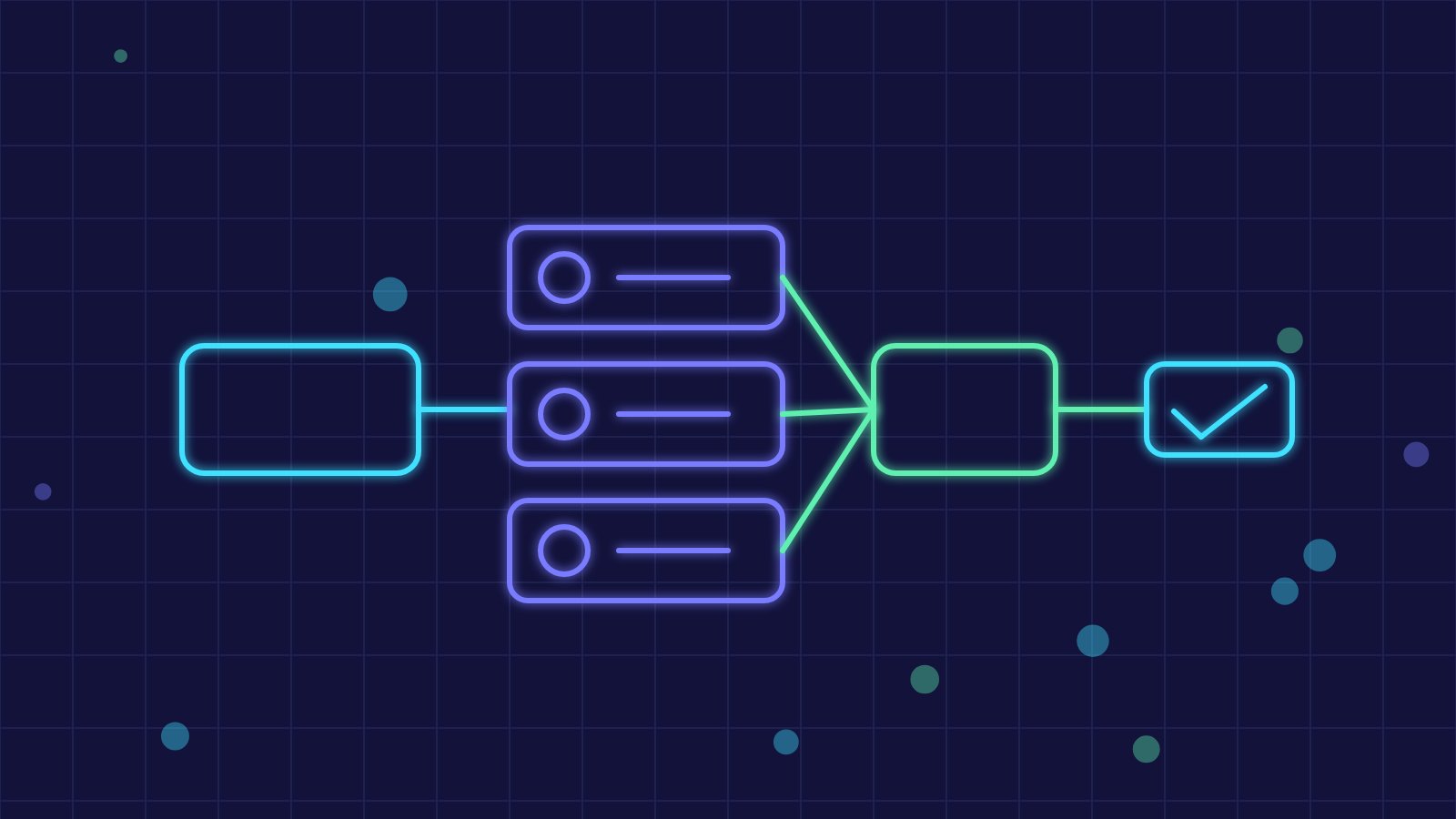
Over time many n8n workflows grow long, full of copied nodes and hard to change. Sub-workflows solve this: you isolate a recurring function, such as validating an address or sending a notification, and call it from other workflows through the Execute Workflow node.
Why Split Workflows
A workflow with dozens of nodes is hard to read, test and fix. The same logic repeated in ten places must be corrected ten times. With sub-workflows each function lives in one place: a fix reaches every caller, main flows become readable again and the parts can be tested separately.
What to Extract
- Standard notifications over email, chat or tickets.
- Data normalisation and validation, such as tax codes, VAT numbers and phone numbers.
- Calls to an external API with authentication, pagination and rate-limit handling.
- Logging and audit events.
- Recurring approval steps.
How Execute Workflow Works
The child workflow starts with a trigger dedicated to inputs from other workflows and defines the expected parameters. The parent calls it passing data and receives the output of the last node. Document in a note which fields are required and which are returned, treating the sub-workflow as a small function with a clear contract.
Conventions and Organisation
A name prefix, for example Sub, and folders or tags by area help you find components. Avoid casually editing a heavily used sub-workflow: changing the input structure can break every caller. For significant changes, duplicate, test and then replace, keeping track of the version.
Errors, Testing and Performance
An error in the child propagates to the parent: decide whether to stop, retry or continue with a fallback value. A shared error-handling workflow collects reports in one place. Each sub-workflow call has a small cost, so there is no need to separate light tasks used only once. For testing, save sample input data and check the expected output.
Templates and Moving Between Environments
Sub-workflows make flows more portable between test and production environments, as long as references and credentials are parameterised. For recurring clients you can build starter templates that bring together the same components, speeding up new projects.
Key takeaway: treating n8n sub-workflows as components with defined inputs and outputs reduces duplication, simplifies testing and makes business automation easier to evolve over time.