High-Converting Contact Forms: How to Design Them for a Business Website
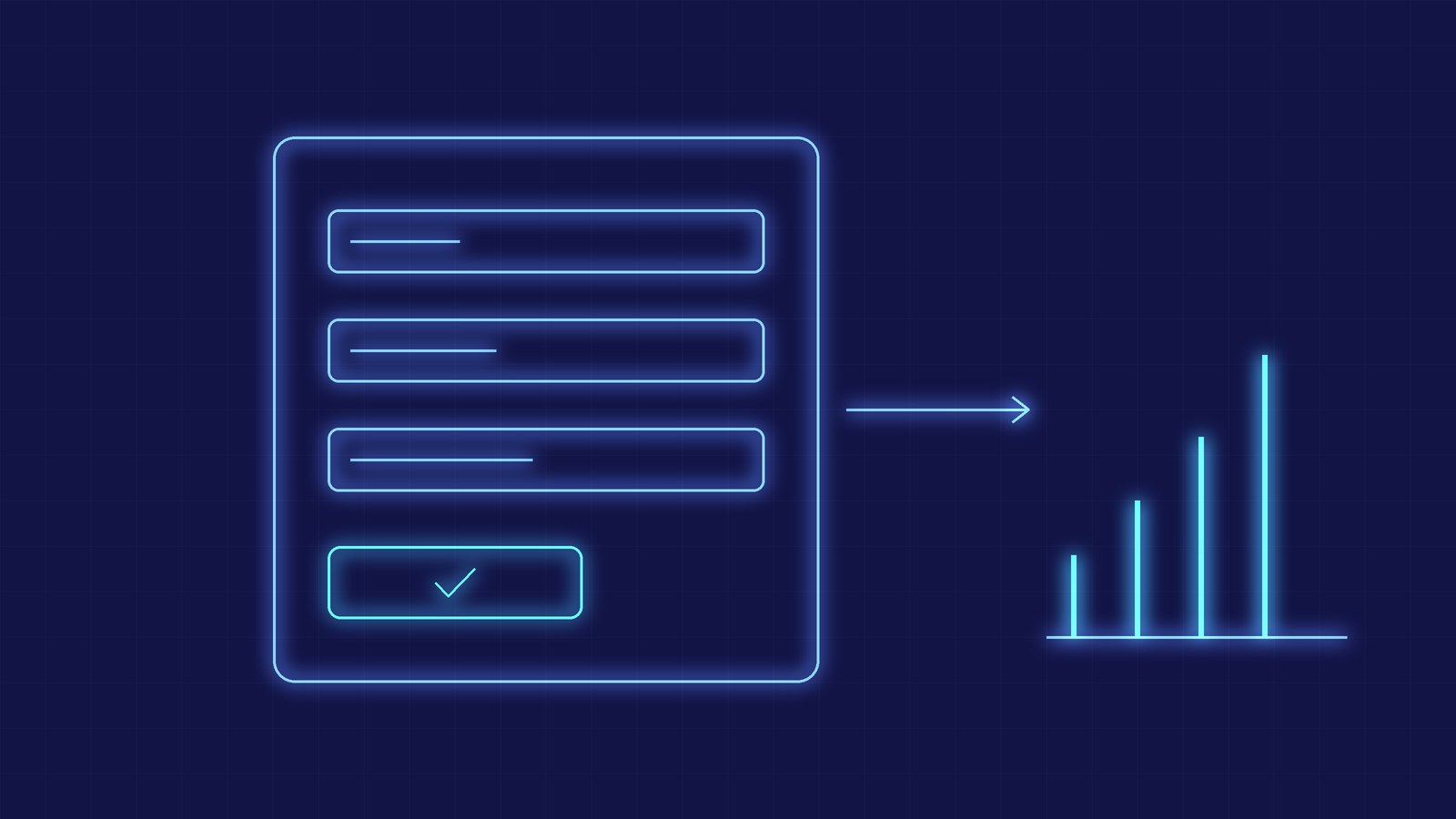
A high-converting contact form asks only for what is needed to reply, explains what happens after submission, reports errors clearly and blocks spam without getting in the way of real people. On a business website it is often where the most qualified traffic is lost: cutting fields from 8 to 4 can noticeably raise the completion rate, and most of the gain comes from design decisions, not visual polish.
How Many Fields You Really Need
Every extra field is a reason to leave. The practical rule is to start from the minimum needed to reply: name, email and message. Phone, company and budget are added only if the sales team really uses them to qualify the request, and are marked optional when they do not block the reply.
An effective alternative is the two-step form: the first step asks for contact details, the second for project details. People who reach the second step have already invested time and complete more often, and first-step data remains usable for follow-up either way.
Labels, Placeholders and Error Messages
Labels should stay visible above the field: a placeholder disappears as soon as you start typing and, on its own, is not accessible to screen reader users. Reserve placeholder text for a format example, such as name@company.com.
Errors should appear next to the affected field, with text that explains how to fix them ("Enter a full email address, for example name@company.com") and not only a red colour. Inline validation after leaving the field causes less frustration than a list of errors shown only on submit.
Anti-Spam Without Penalizing Users
Visible CAPTCHAs reduce spam but also lower conversions. Less intrusive techniques are a honeypot field (hidden from users, filled only by bots), checking completion time, per-IP rate limits and server-side verification. An invisible challenge such as Cloudflare Turnstile or reCAPTCHA v3 can be added if spam persists.
Validation must always happen server-side as well: browser checks improve the experience but do not stop anyone posting directly to the endpoint. For hardening the whole site, see our guide on HTTPS, WAF and GDPR.
Privacy, Consent and Transparency
A form that collects personal data must state the data controller, the purpose and link to the privacy notice. Marketing consent is separate from answering the request: the checkbox must not be pre-ticked and must not be required to submit. Explaining in one line what happens next ("We reply within one business day") builds trust and reduces follow-ups.
After Submission: Confirmation, Notifications and Automation
A good experience does not end at the click. You need a clear confirmation page or message, an automatic receipt email and an instant notification to the team. Routing the request into the CRM with an automated workflow keeps leads from sitting in a forgotten inbox.
A dedicated confirmation page also helps measurement: a distinct URL lets you track the conversion in Google Analytics 4 and tie it to traffic source and campaign.
Measuring and Improving the Form
Track three numbers: start rate (people who begin filling), completion rate and the field with the most drop-offs. These tell you which field to remove or rewrite. A/B tests only make sense with enough traffic: with a few hundred visits a month, apply best practices and evaluate the effect over time.
- Ask only for name, email and message, adding fields only if they are truly needed.
- Keep labels visible and use placeholders only for format examples.
- Show errors next to the field with instructions on how to fix them.
- Use a honeypot, rate limits and server-side validation before a visible CAPTCHA.
- State controller, purpose and privacy notice, with separate, unticked marketing consent.
- Use a dedicated confirmation page to track the conversion and route the lead into the CRM.
Key takeaway: a form converts when it is short, clear, accessible and reliable: few fields, understandable errors, discreet anti-spam, transparent privacy and an automated flow after submission turn a contact page into a measurable lead channel.