User Acceptance Testing in Software Projects: How an SME Should Define Acceptance Criteria
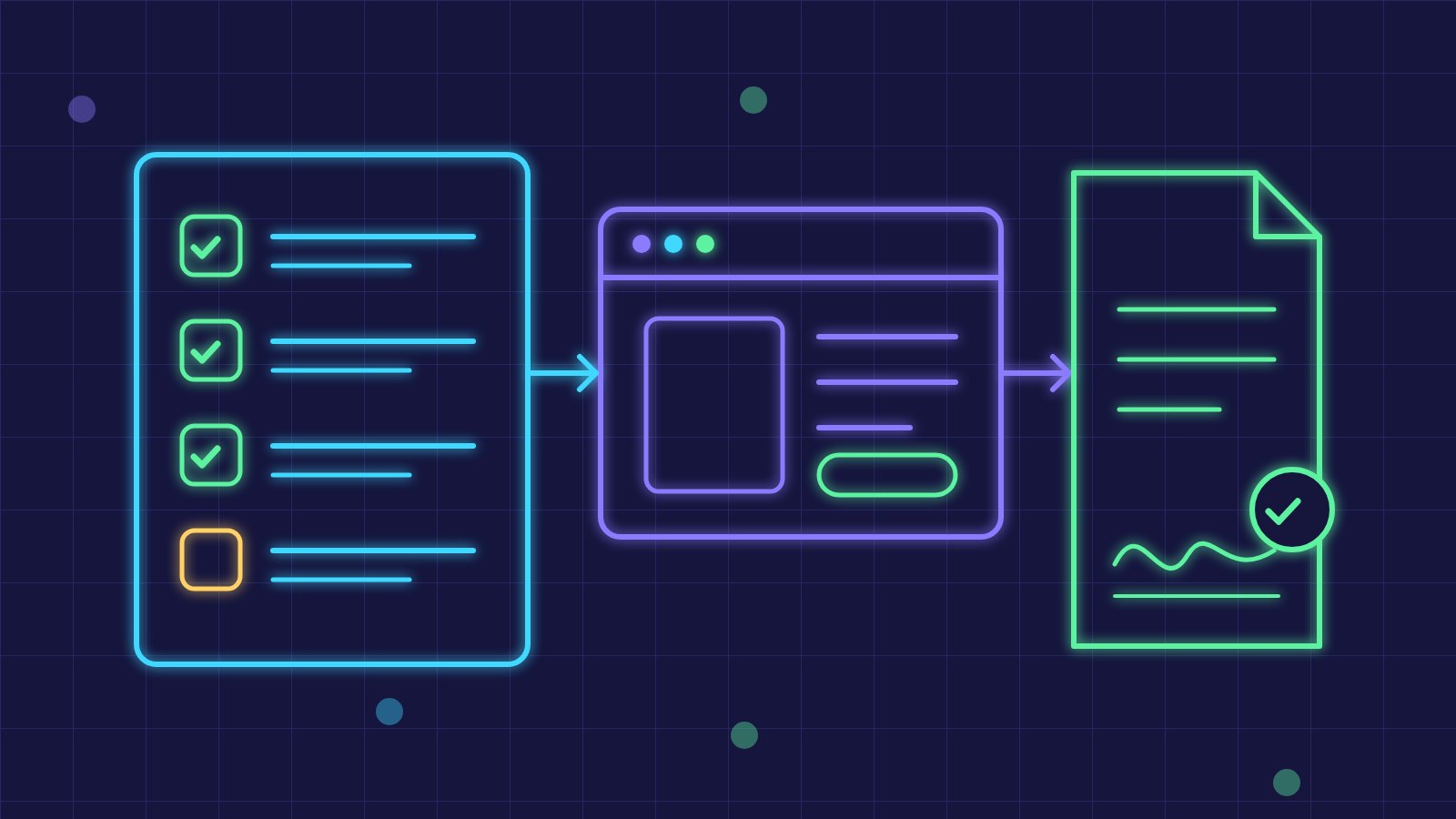
Many software projects get complicated in the final weeks, when the supplier declares the work finished and the client disagrees. User Acceptance Testing, or UAT, exists to prevent that: it establishes in advance what "working" means and who verifies it. For an SME it is the phase that decides whether to pay the final instalment and put the system into production.
What User Acceptance Testing Is
UAT is the verification, carried out by end users or their representatives, that the software lets them do their real work as agreed. It differs from the supplier's technical tests, which check that the code behaves as designed: in UAT the question is whether the system solves the problem it was commissioned for.
Supplier testing
- Carried out by the development team
- Checks functions and integrations
- Uses technical test data
- Ends before delivery
Acceptance testing
- Carried out by the client's users
- Checks complete work processes
- Uses realistic company data
- Ends with formal acceptance
Acceptance Criteria: Write Them First
Acceptance criteria should be defined together with the requirements, not at the end. A good criterion is verifiable: it describes a situation, an action and an observable result, without adjectives such as "fast" or "simple". A common form is the given, when, then pattern.
Given an order with status "confirmed"
When the operator presses "Generate invoice"
Then the system creates the invoice with the order data
And the order status becomes "invoiced"
Beyond functions, set the non-functional requirements that matter to the business: acceptable response times, number of simultaneous users, supported browsers and devices, access permissions.
The Test Plan
- Scope: which processes are tested and which are excluded.
- Test cases: for each process, the steps to perform and the expected result.
- Data: a realistic set, without real personal data if the environment is not protected like production.
- Environment: a separate test instance, aligned with the version to be released.
- People and time: who tests, for how many hours and on which days.
- Exit rules: when testing is considered passed.
Who Should Take Part
Testing should be entrusted to the people who will use the system every day, not only to the project manager. Those who work on the process know the exceptions: the order changed after confirmation, the customer with two sites, the document that arrived late. These people need dedicated time, because testing squeezed between other tasks produces a nominal acceptance and problems after release.
Classifying Defects
Not every problem found carries the same weight. It pays to agree in advance on a severity scale and on what each level implies.
- Blocking: prevents an essential process from being completed. Must be fixed before release.
- Major: the process completes only with a manual workaround. Fixed before release or by an agreed date.
- Minor: a cosmetic or convenience defect. Can be scheduled after release.
- Change request: behaviour that matches the requirements but differs from what is now wanted. Assessed separately, with its own time and cost.
The line between a defect and a change request is the one that causes most arguments: clearly written requirements and criteria make it objective.
The Acceptance Sign-off
Testing closes with a document signed by both parties, listing the test cases run, the outcome, the defects still open with their planned fix date, and the decision: acceptance, conditional acceptance or reasoned rejection. The contract should state how long the testing period lasts and what happens if the client does not respond within the deadline, since payment of the final instalment and the start of the warranty are usually tied to this document.
Common Mistakes
- Defining acceptance criteria only once development is finished.
- Testing only the ideal path, without exceptions and user errors.
- Using too little test data, which hides volume and performance problems.
- Leaving out integrations with other company systems.
- Accepting without a signed document, on the basis of a supplier demo.
Key takeaway: effective acceptance testing starts from verifiable criteria written at the beginning of the project, is carried out by the people who will use the system, and ends with a signed document listing what remains open.