Reporting and KPI Automation with n8n: from Scattered Data to a Report That Arrives on Its Own
Reporting automation with n8n means a workflow collects, cleans and aggregates data, then publishes it to a dashboard or sends it by email and Slack on a schedule. In many small businesses the weekly report takes 3-6 hours of copy-pasting between ERP, CRM, e-commerce and spreadsheets, with constant risk of errors and different numbers depending on who prepares them. A well-designed workflow cuts that to a few minutes of review and turns KPIs into a single reliable source.
Why Manual Reporting Costs More Than It Seems
The direct cost is time: a 4-hour monthly report for three people is 144 hours a year spent moving numbers instead of interpreting them. The indirect cost is worse: data that is days old, KPI definitions that differ between departments (what counts as a qualified lead? is revenue net of credit notes?) and decisions based on figures nobody can reconcile. Automating is not only about saving hours; it fixes the definition of each indicator once and for all inside the workflow.
Architecture: Collection, Aggregation, Publishing
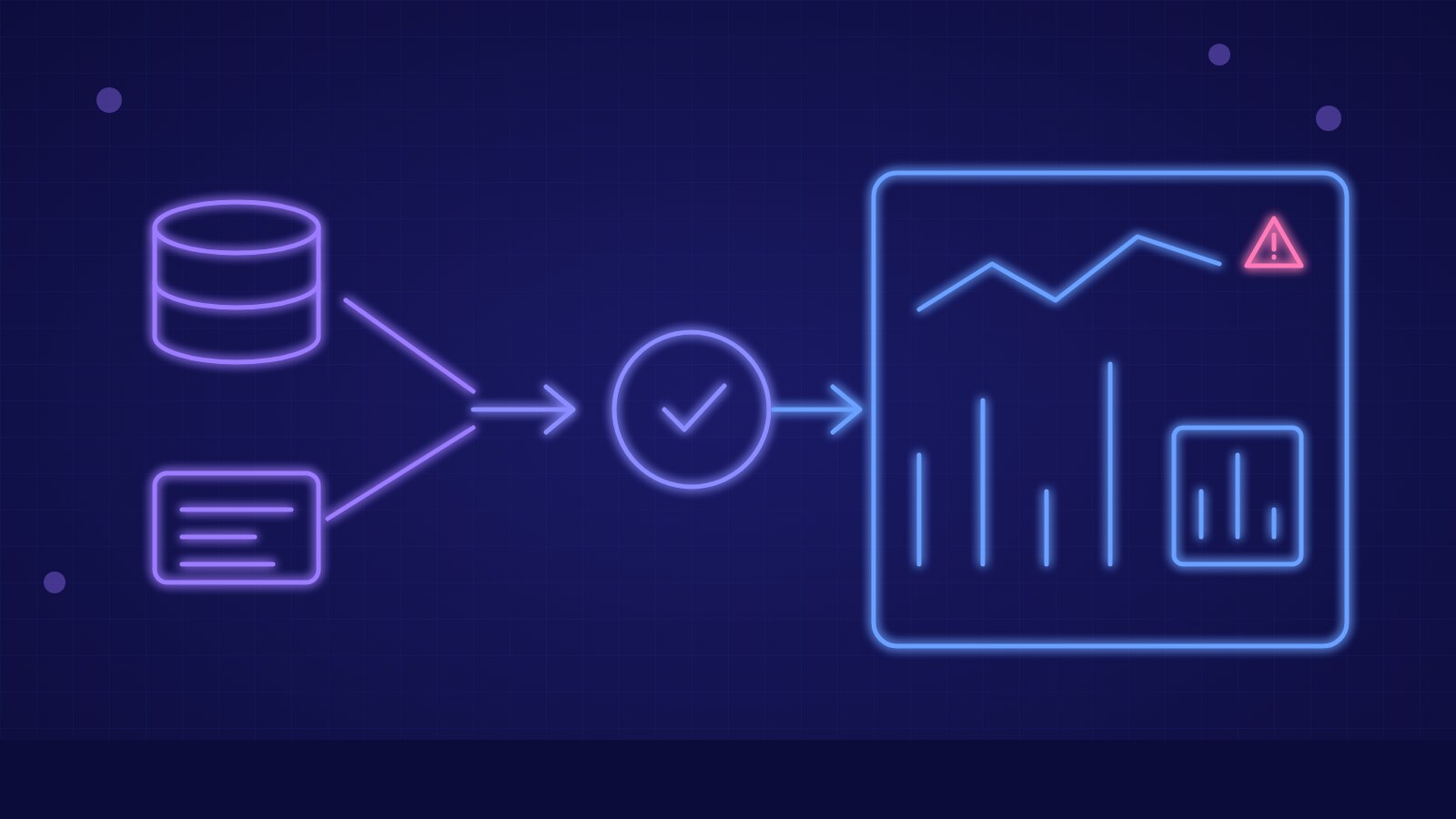
A reporting workflow has three stages. In collection, Schedule Trigger, HTTP Request and native connector nodes read data from APIs (CRM, advertising, e-commerce, invoicing) and SQL databases. In aggregation, Code, Merge and Aggregate nodes (or a SQL query) compute totals, averages, percentage changes and comparisons with the previous period. In publishing, the result is written to a lightweight data warehouse (PostgreSQL, BigQuery, Google Sheets) that feeds a dashboard such as Metabase, Looker Studio or Grafana, or is formatted into a message or PDF to send.
Collecting Data from APIs and Databases
The key principle is incremental extraction: each run requests only the records changed since the last one, storing the timestamp in a state table. This avoids API rate limits and keeps run times short even with millions of rows. For systems without a connector, use the HTTP Request node with pagination and OAuth2 or API-key authentication, keeping credentials in n8n's credential manager and never in code. For internal databases, use a read-only user limited to the views you need.
Dashboards, Scheduled Reports and Delivery Channels
Not every recipient wants a dashboard. Management usually prefers a summary of 5-7 KPIs every Monday morning by email or Slack, with the change from the previous week and a link for detail; operations managers use a dashboard refreshed hourly. n8n handles both: the same workflow can write data to the warehouse and then generate a message with an HTML table, a chart image or a PDF. Choosing the send time based on when data is actually consolidated avoids reports published before the accounting day closes.
Data Quality Checks and Threshold Alerts
An automatic report that publishes a wrong number does more damage than a manual one, because nobody rechecks it. Before publishing, the workflow should verify that the record count is plausible (not zero, not double the norm), that required fields are filled and that totals match the source. On anomaly, it blocks the send and notifies the owner. The same mechanism powers threshold alerts: if conversion rate drops below 2%, open tickets exceed 50 or cost per lead rises 30% above the moving average, a notification goes out immediately with the context needed to act.
- Define each KPI in writing: formula, source, period and owner.
- Extract data incrementally and keep a history in a database.
- Validate volumes, required fields and total consistency before publishing.
- Differentiate channels: short summary for management, dashboard for operations.
- Set alert thresholds with previous-period comparison and workflow error handling.
Key takeaway: automated reporting is reliable only if KPI definitions are fixed in the workflow and data is validated before publishing: then the report arrives on its own, is identical for everyone and frees hours for analysis.