Customer Onboarding Automation with n8n: From Signed Contract to First Project Without Manual Handoffs
When a customer signs, the phase begins where perceived quality is really decided: yet in many companies onboarding is a chain of manual steps, from creating the CRM record to the shared folder, access rights, the welcome email and team tasks. Every forgotten or delayed step is friction for the customer and wasted time for staff. With n8n you can orchestrate the whole journey in a single workflow, connecting contract, CRM, project tools and communication via APIs.
Why Manual Onboarding Costs More Than It Seems
A typical onboarding involves sales, administration, operations and support, and every handoff is a point where information is lost or a deadline slips. The cost is not just time, often 1-3 hours per customer, but variability: each customer gets a slightly different experience depending on who handles it and how busy they are. Automating the skeleton of the process ensures consistency, reduces data-entry errors and frees the team for activities where a person really matters, such as the welcome call or setting goals.
The Typical Workflow: From Trigger to Project Tasks
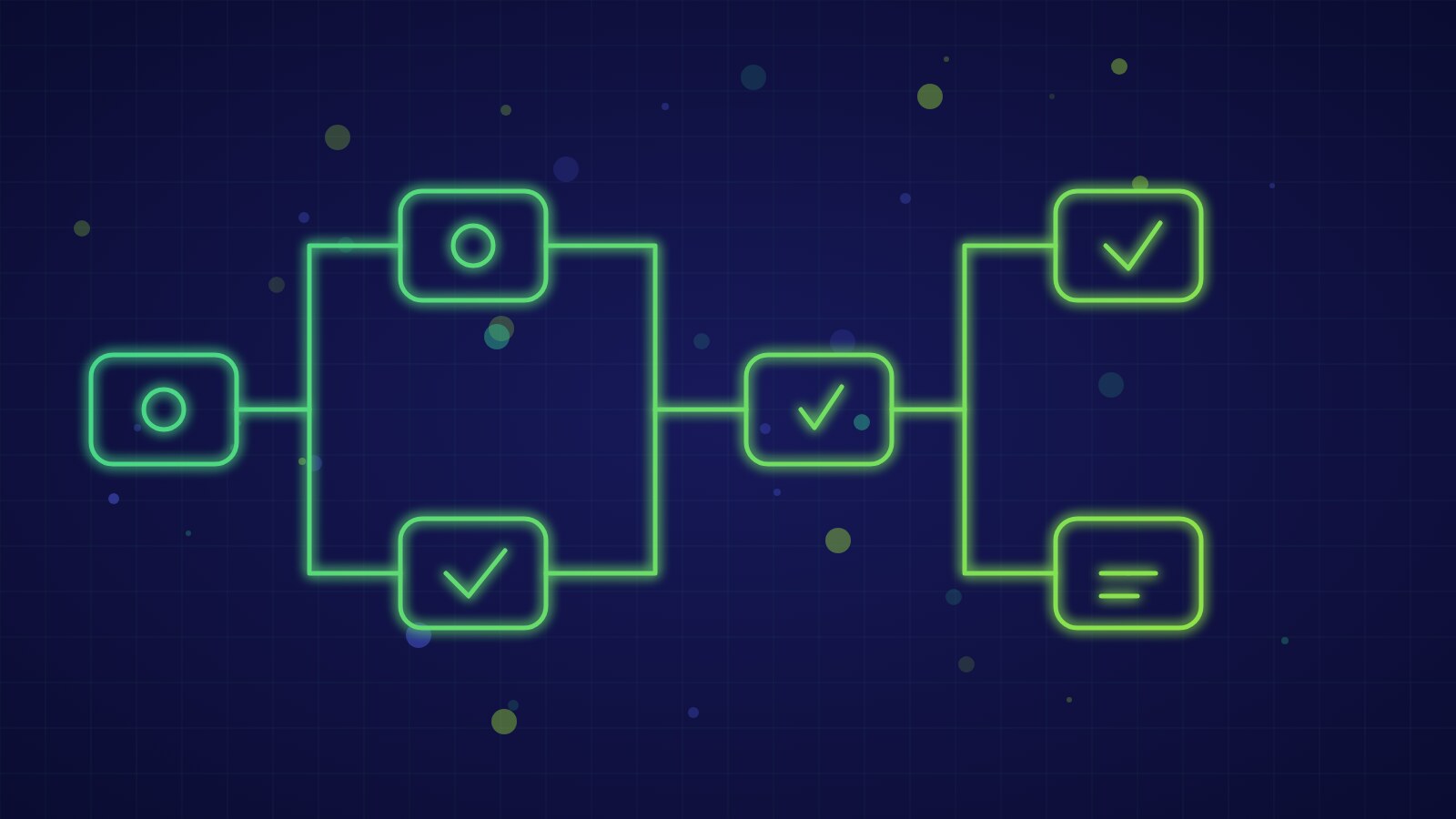
The starting point is a reliable trigger: a webhook from the e-signature tool, a deal status change in the CRM or a recorded payment. From there the n8n workflow collects and normalizes customer data, creates or updates the CRM record avoiding duplicates with a lookup by VAT number or email, builds the shared folder with the standard structure and permissions, creates the project and tasks in the project management tool with deadlines computed from the signing date, sends the personalized welcome email with next steps and notifies the team on Slack or Teams. Each node uses an API connector or HTTP call to the matching tool.
What to Automate
- Creating and deduplicating the customer record in the CRM
- Shared folders, document templates and permissions
- Project tasks with automatically computed deadlines
- Welcome email and document collection with reminders
What to Leave to People
- The welcome call and goal setting
- Assessing unusual cases or custom requests
- Approving non-standard commercial terms
- Handling strategic customers with dedicated onboarding
Reliability: Idempotency, Errors and Human Approvals
An automatic onboarding that creates the same customer twice or stalls halfway is worse than a manual one. The workflow should therefore be idempotent: each run uses a unique identifier (for example the contract ID) to check whether a step has already been executed before repeating it. A separate error workflow with owner notification, retry nodes for external calls and a log of every execution show immediately what failed and allow resuming from the right point. Where human judgment is needed, such as approving a discount, the workflow pauses for a confirmation on Slack or by email and continues only after the answer.
Measuring the Result: Time, Errors and Satisfaction
Before automating, measure the current state: average time from signing to the first activity, number of errors or omissions per customer and administrative hours per onboarding. After release the same indicators show the real return, to which you can add time to first value perceived by the customer and a short automatic survey 14 days after kickoff. With 20 new customers a month and two hours saved on each, the gain is about 40 hours a month, a concrete figure to justify the investment.
- Map the current onboarding steps and identify the repetitive ones that need no judgment.
- Choose a reliable trigger (contract signature or CRM status change) and a unique identifier.
- Build the workflow idempotently, with deduplication and checks for steps already executed.
- Provide an error workflow with notification, retries on external calls and human approval points.
- Measure time, errors and satisfaction before and after to quantify savings.
Key takeaway: onboarding automation is not about removing human contact but about removing the mechanical steps that get in its way: an idempotent workflow with error handling and approvals where needed makes every new customer a consistent experience and frees team hours for value work.