Information Architecture for Business Websites: How to Structure Pages, Menus and Internal Links for SEO and Conversions
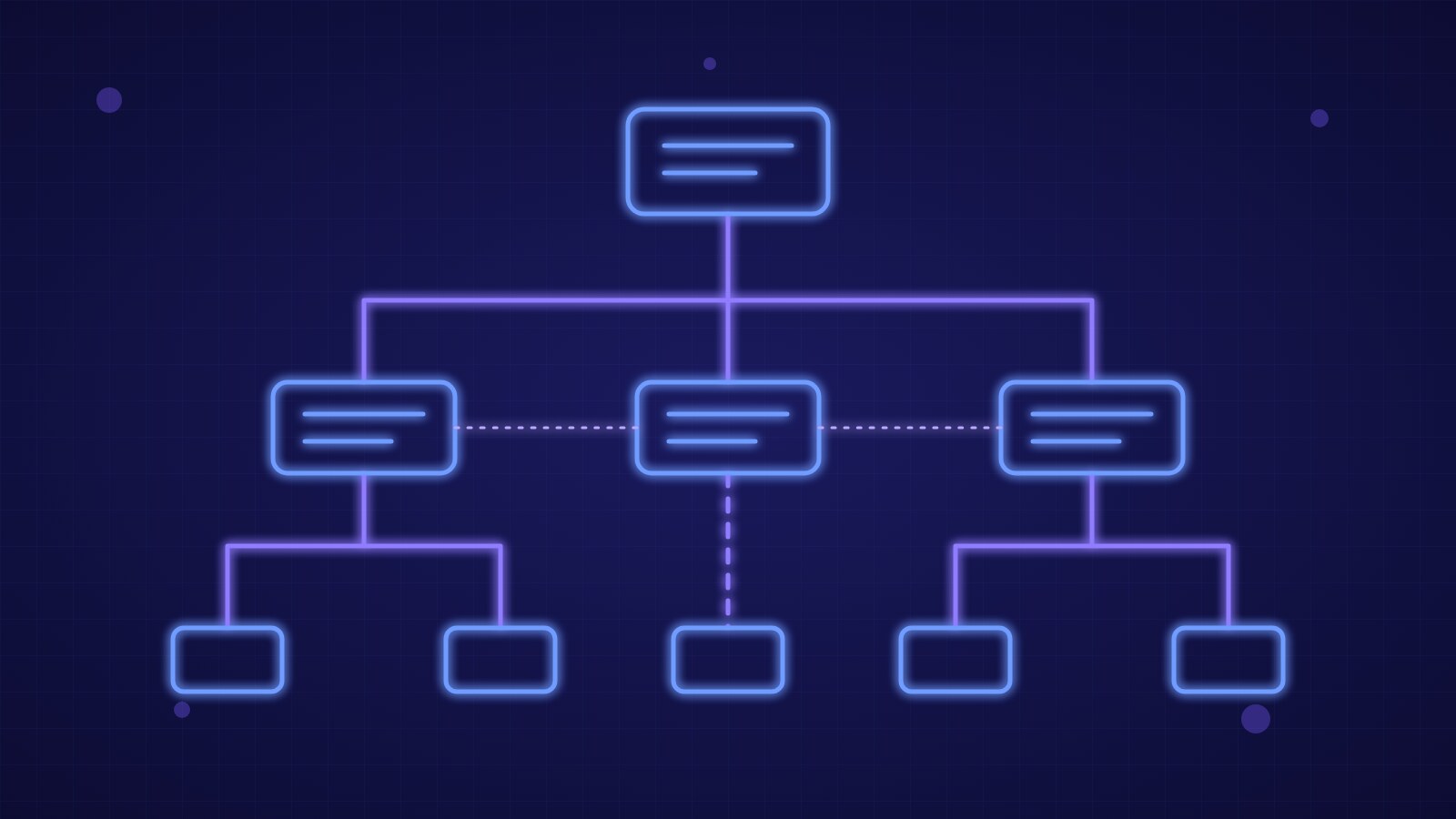
Information architecture is the way a website's content is organized, labeled and linked so that users and search engines find what they need in a few clicks. A well-structured site reaches every important page within three clicks of the home page, uses readable URLs and links related pages with consistent internal links. The result is more efficient crawling by Google, answers that are easier for AI engines to cite and a shorter path to the contact request.
Why Structure Comes Before Design
Many business websites grow by accumulation: one more page for every service, one article for every idea, a menu that keeps getting longer until it is unreadable. The problem is not aesthetic. When the structure is confusing, visitors cannot tell where they are, Google struggles to decide which pages matter most and pieces of content compete with each other for the same keywords. Designing the architecture before the visual design lets you decide what must exist, in what order and with what priority, and makes later redesigns far cheaper.
From User Research to the Sitemap
The starting point is customers' real questions, not the company org chart. Collect queries from Google Search Console, recurring questions from sales and support, and the most visited pages in analytics. Group them into themes and assign each theme a main page, with linked in-depth pages. A quick test is card sorting: ask five or six customers to group the items into categories and compare the results with your draft menu. The end product is a hierarchical map of two or three levels in which every page has a precise purpose and a single search intent to satisfy.
Pillar and Cluster Hierarchy
The most effective model for service sites and blogs is the pillar and cluster structure. The pillar page covers a topic broadly, for example technology consulting; cluster pages go deep on one aspect, such as project management or process optimization, and link back to the pillar, which in turn links to all of them. This organization signals topical expertise to Google and reduces cannibalization because each page has a distinct role. For AI engines it also provides clear context: an answer extracted from a cluster page is tied to an authoritative source on the same topic.
Navigation, Menus and Labels
The main menu should contain five to seven items, with labels users recognize without interpreting them: "Services", "Case studies", "Blog" and "Contact" work better than creative wording. Dropdown menus should stay within two levels and be usable by touch and keyboard. Breadcrumbs show the current position and, with BreadcrumbList markup, can also appear in search results. The footer can hold secondary links such as legal notes, privacy and the sitemap, while a visible, consistent call to action on every page shortens the path to contact.
URLs, Internal Linking and Structured Data
Ideal URLs are short, lowercase, descriptive and stable: /technology-consulting/project-management is clearer than /page?id=482. If a URL must change, a 301 redirect to the new destination is required. Internal links are how you distribute authority: every article should link to the relevant service page and to at least two related pieces, using descriptive anchor text instead of "click here". A page with no inbound links, called an orphan, risks not being crawled or cited. The picture is completed by an up-to-date XML sitemap, a consistent robots.txt file and structured data describing the organization, services and articles.
How to Measure and Improve the Architecture
After launch, check the click depth of key pages, orphan pages with a crawler, and 404 errors and redirect chains in Search Console. In analytics, watch the exit rate from service pages, the most common paths to the contact form and internal searches, which reveal labels users cannot find. A review every six months lets you merge overlapping content, update dated pieces and add links to new pages.
- Collect real customer questions from Search Console, sales and support before designing the menu.
- Keep every service page and strategic piece within three clicks of the home page.
- Organize content into pillars and clusters, with one search intent per page.
- Use a five-to-seven item menu with clear labels and breadcrumbs with BreadcrumbList markup.
- Keep URLs short and stable, with 301 redirects whenever they change.
- Every six months, check orphan pages, 404s and redirect chains and update sitemap.xml.
Key takeaway: clear information architecture is the work that makes everything else effective: content grouped by theme, simple menus, readable URLs and consistent internal links help users, Google and AI engines understand what you offer and reach the contact request faster.